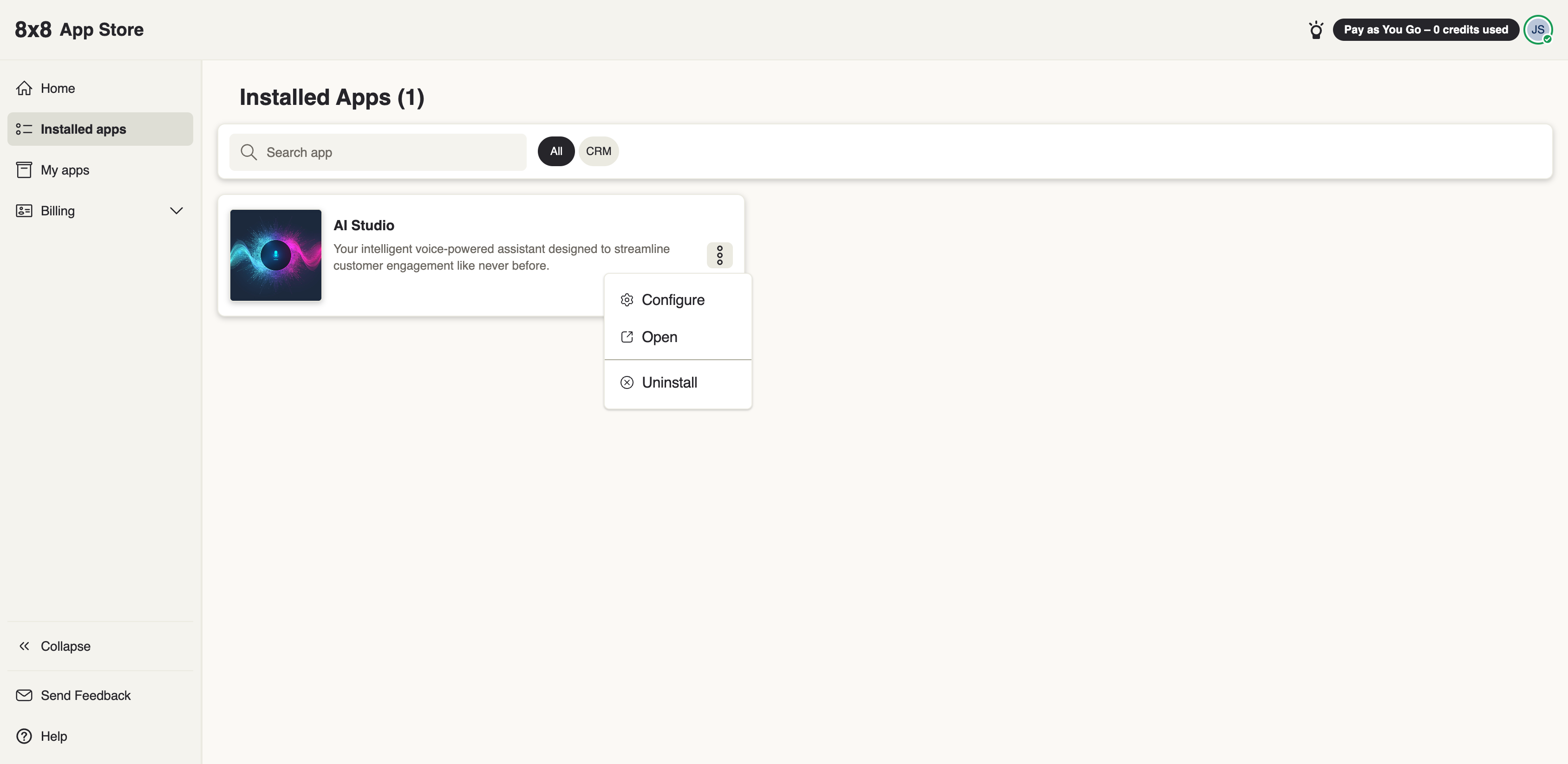
Managing installed apps
After an app is installed, an administrator can review it, adjust who can use it, and remove it — all from the 8x8 Admin Console.
Reviewing installed apps
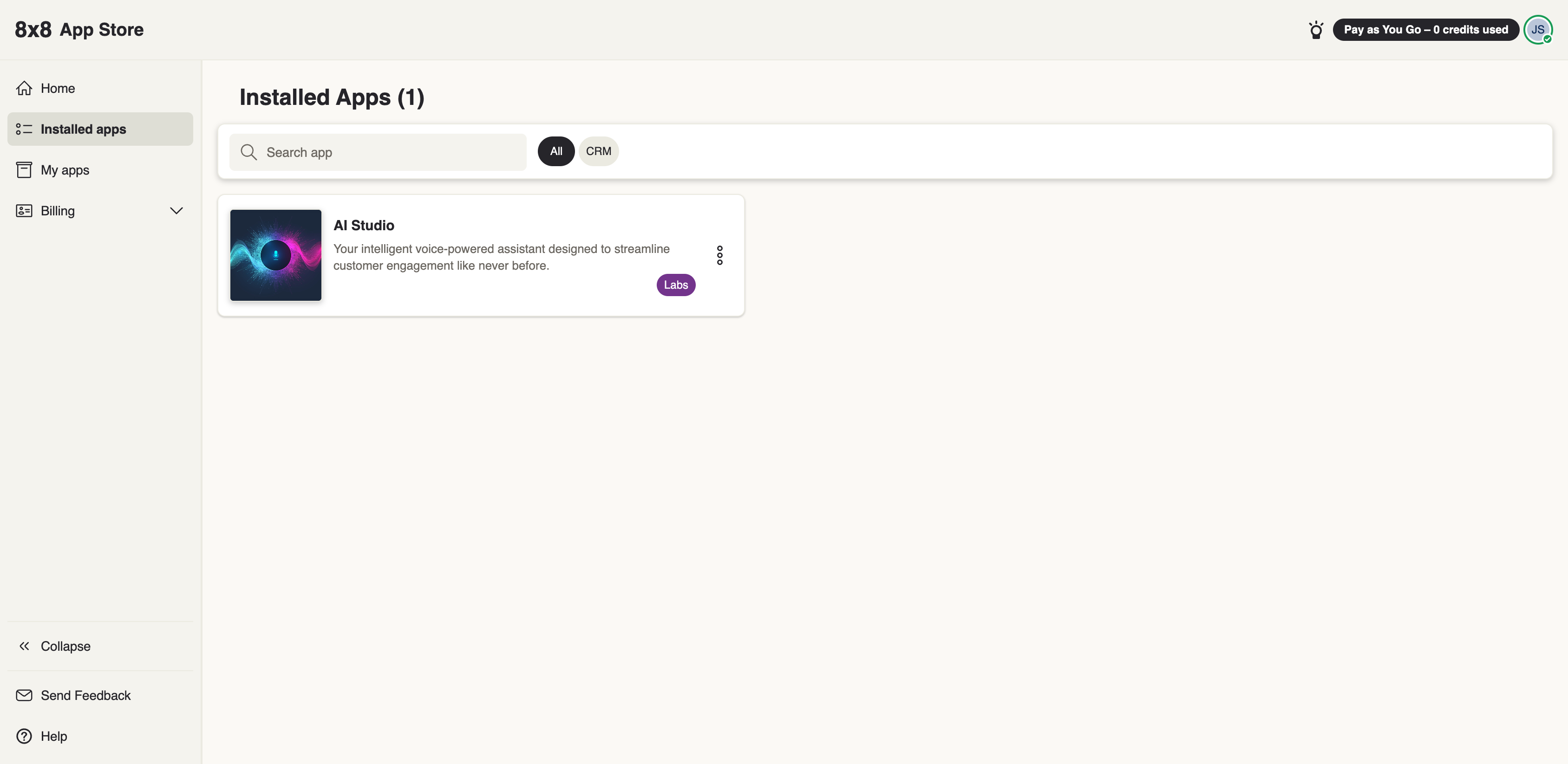
From the Admin Console, open your list of installed apps to see everything currently active for your organization, including AI Studio.
Adjusting who can use an app
You can change which users an app is available to after install — opening it to all users or limiting it to a group. See Scopes & permissions for how access and scopes work together.
Removing an app
Uninstalling an app removes it for your organization. For AI Studio specifically, ending billing is handled on the plan itself — see Invoices & billing for how cancelling a plan behaves.